
Use a side-by-side check on this domain, not a memory of “blue vape.”
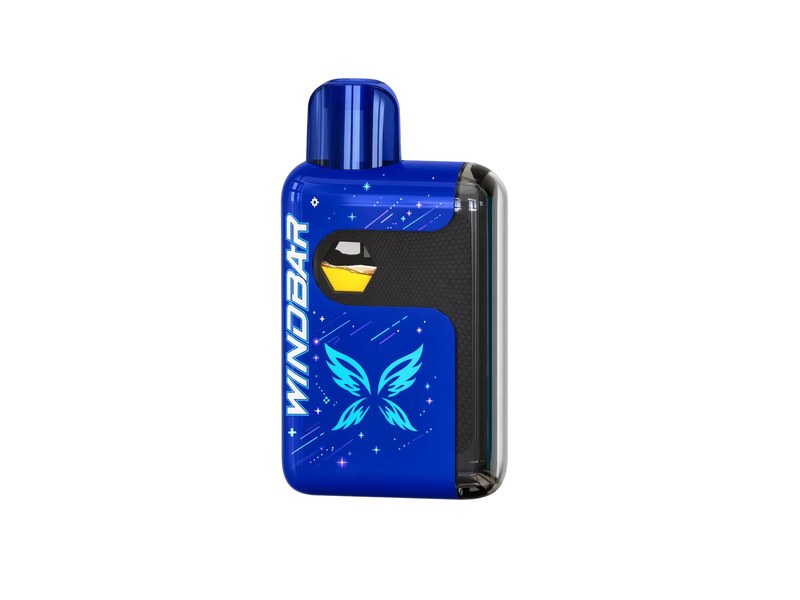
Step 1. Open a complete 4:3 front. The catalog file for this color is the native-direct Cool Blue Pixel still. You should see the whole 57.4 mm height. If the image is a tall wrap strip, reject it for this query.
Step 2. Compare blue-to-blue. Patina Blue Memory is a separate finish with a different surface story. If two blues sit in the same cart and you cannot tell which file is which, you are not looking at labeled catalog stills. WINDBAR D95 Cool Blue Pixel should be tagged in the filename and in the alt.
Step 3. Compare against non-blue. Wasabi Spark is the green-leaning spark identity. Lava Falls Gate is the warm/lava identity. Blackout Protocol is the dark identity. Cool Blue Pixel should not read as black, lava, or wasabi in a color-managed window.
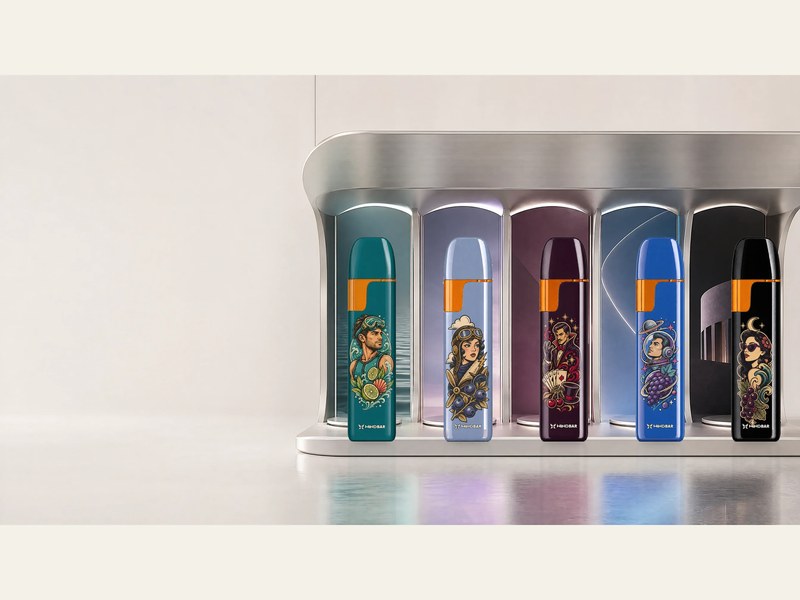
Step 4. Check the scale photo if the question is also “how small.” A ruler-and-hand still exists for Cool Blue Pixel at 57.4 mm. That still supports size and color together. A character banner supports story, not color QA.
Step 5. Ignore transparent cutouts when you need a catalog color. Cutouts sit on epic banners. They hide the true background and can shift how blue the housing looks. For WINDBAR D95 Cool Blue Pixel as a Google Images query, the 4:3 catalog front is the file that should rank.